
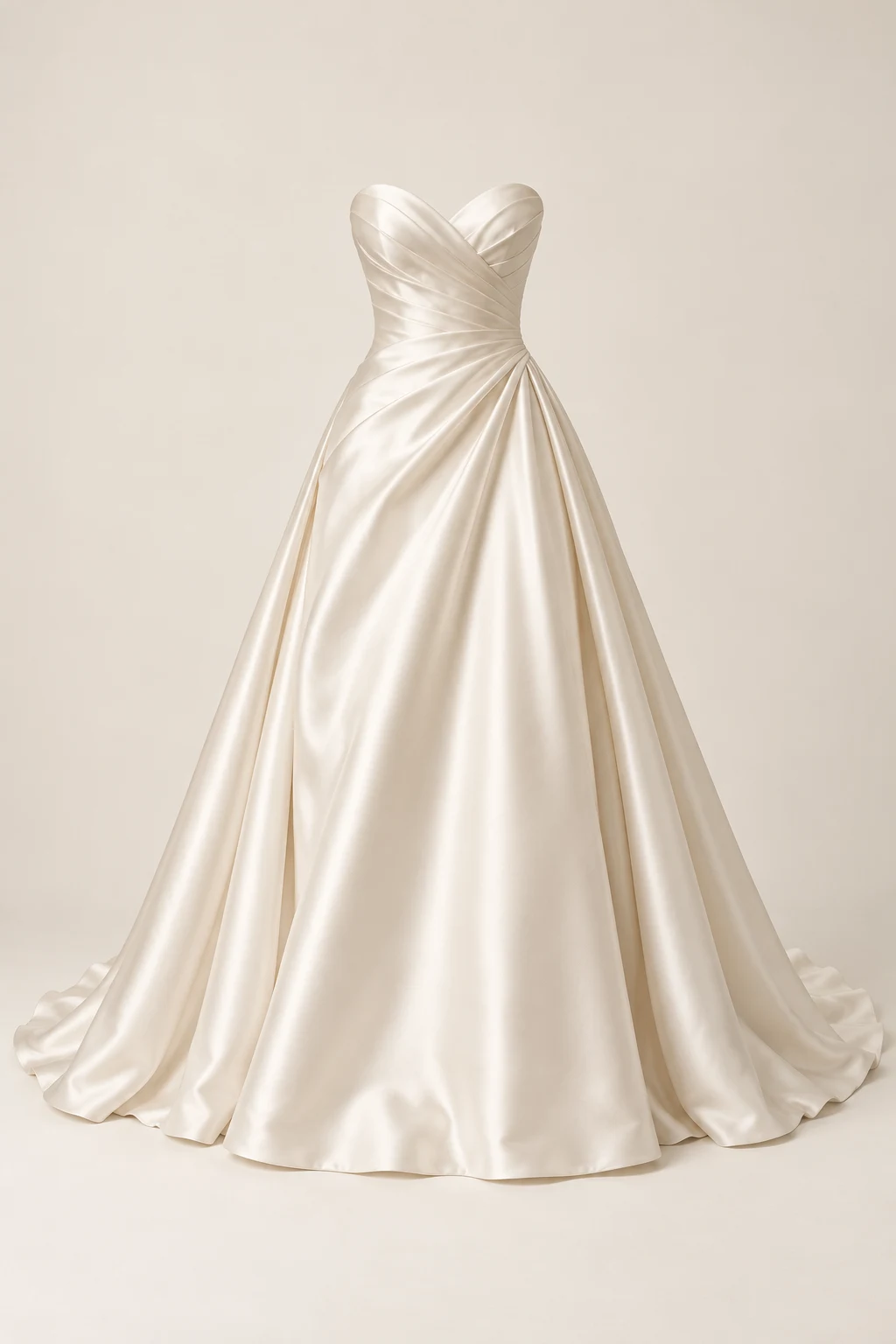
Shortlist bridal styles
Preview your shortlisted dresses one at a time, then compare the saved results side by side. Rule out styles that do not match your plans before booking an in-person fitting.
YOUR BRIDAL PREVIEW
Preview bridal styling with your photo and a dress reference. This visual preview does not measure size or predict real-world fit.
One person photo + up to 7 clothing references. 24 credits per standard 1K generation.
Sign in to use 24 welcome credits: one standard 1K generation for new accounts.
Use a full-body photo, or at least one that extends below your knees. Wedding dresses need room to show their silhouette and length; a head-and-shoulders portrait cannot show either.
Choose a clear, front-facing product photo, model photo or flat lay of one dress. Avoid collages and competing garments in the same reference. Only use images you have permission to use.
Each standard 1K generation uses 24 credits. Review the result before deciding to run it again. AI may change patterns, lace and pleat details.
AI-generated model and dress references. The try-on result will appear here after a real generation.
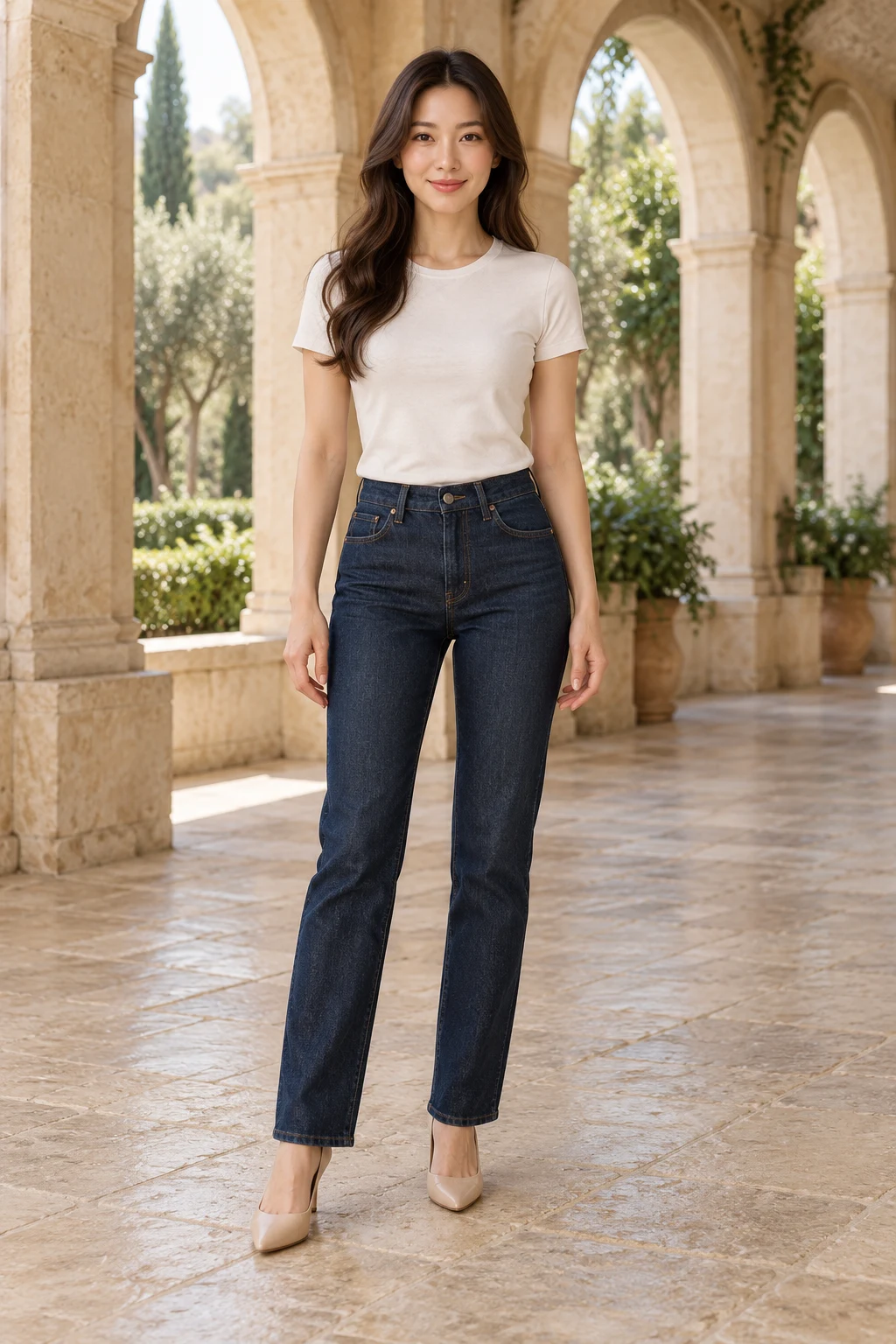
Original photo
Dress reference
Try-on preview coming soon
The model photo and dress reference are ready. The actual try-on result is still being prepared.
AI result
Preview your shortlisted dresses one at a time, then compare the saved results side by side. Rule out styles that do not match your plans before booking an in-person fitting.
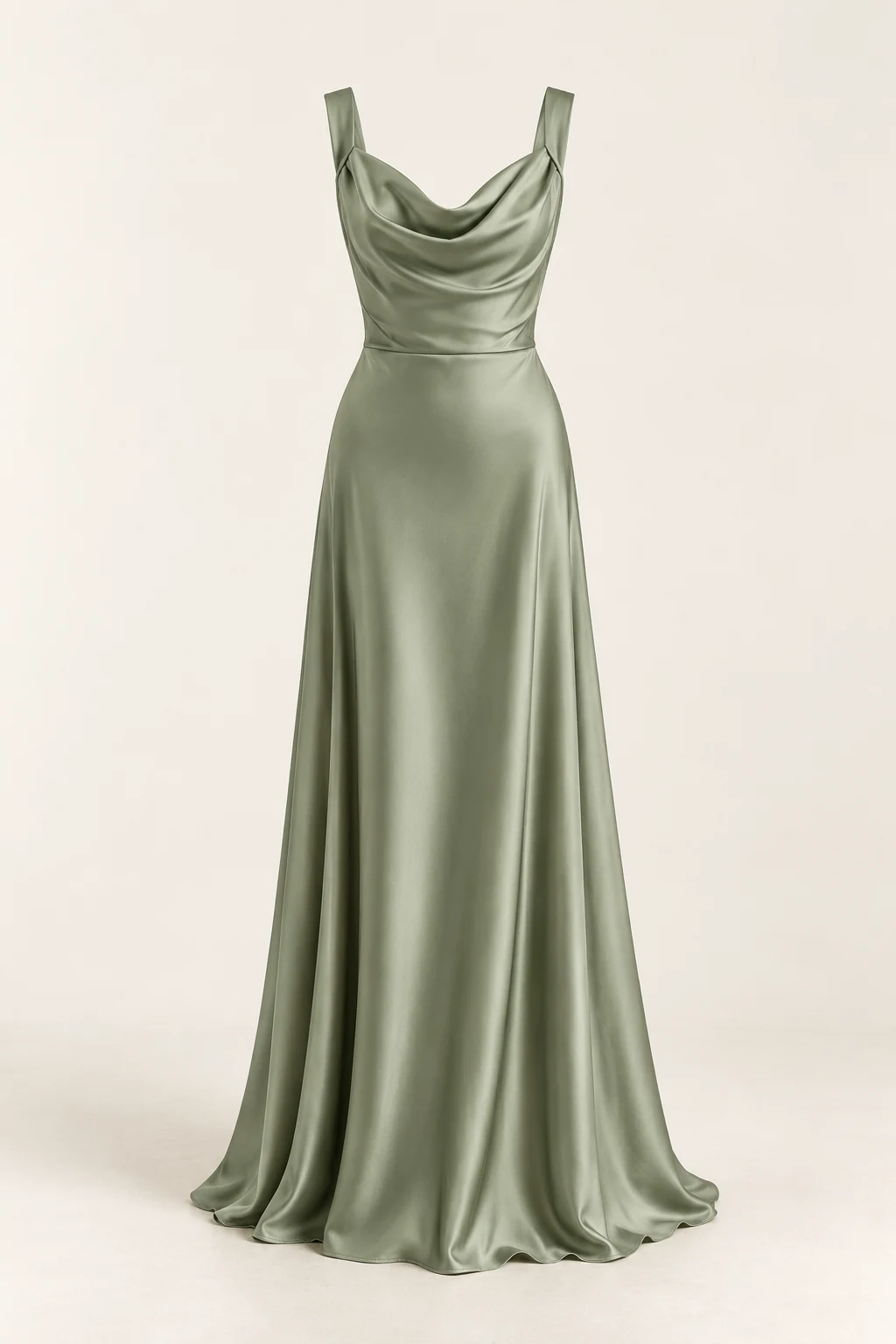
Compare references for different colors or lengths of the same dress. Use the previews to consider which looks feel coordinated for bridesmaids or wedding guests.
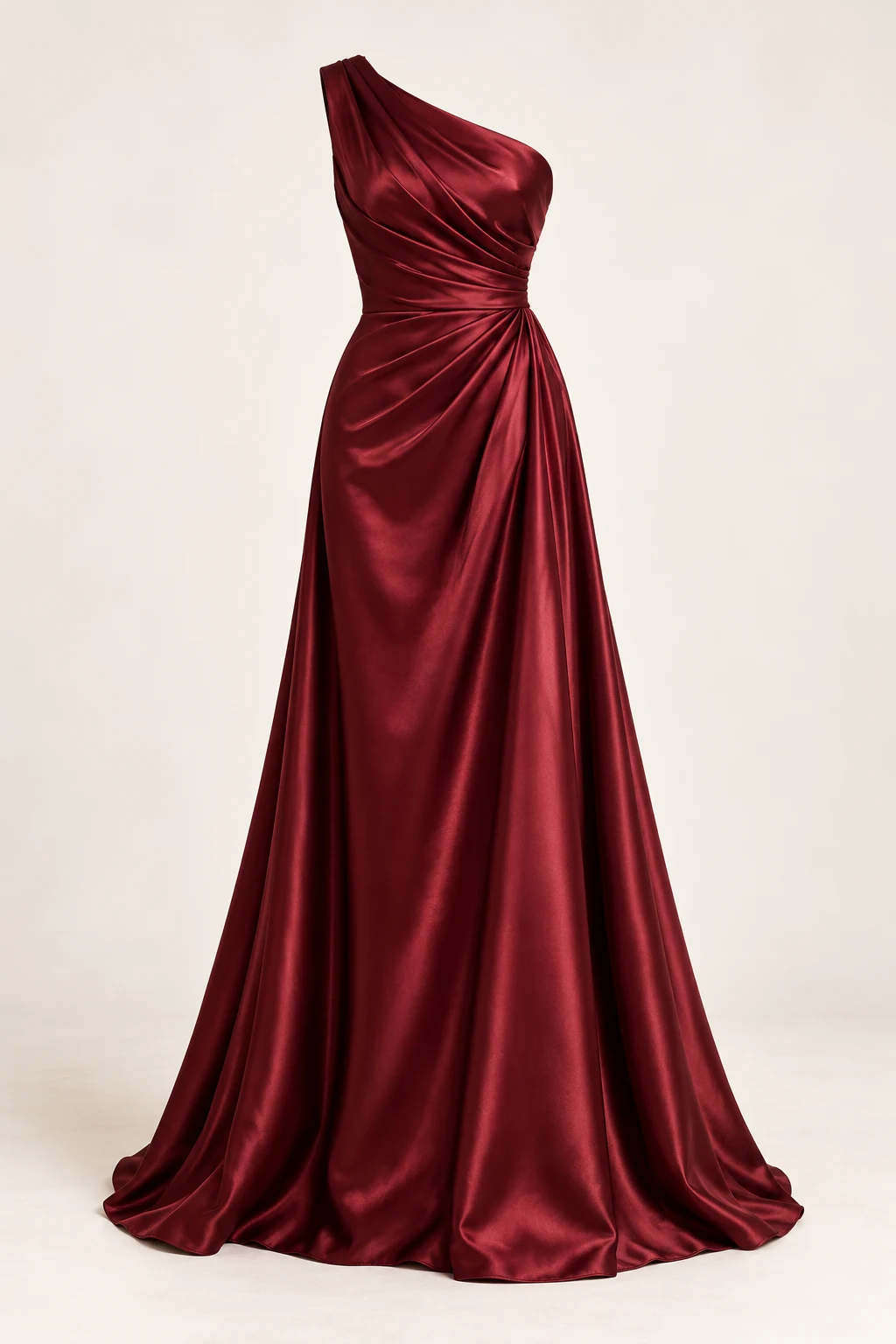
Explore the overall look of a prom, graduation ball or wedding reception dress before deciding whether to rent or buy it.
Explore color, neckline, sleeve style, length proportions and the overall silhouette. Consider how a look might coordinate visually with your venue, hair and makeup.
It cannot determine your size or actual fit, reproduce fabric drape and feel, show how a dress moves when you walk, or reproduce real lighting. Before buying, rely on the retailer’s size chart and an in-person fitting.
Keep your whole body in frame so the preview has space for the dress silhouette and hem.
Use even lighting and avoid strong backlighting that hides your outline.
Keep your hands empty and avoid objects or bags covering the dress area.
Change one dress at a time and keep the same person photo to make comparisons easier.
You can use your photo to explore styles before visiting a boutique, but this is only a visual preview. You still need an in-person fitting to confirm the cut, size and fabric.
Yes. A half-body photo cannot show the length and silhouette of a wedding dress. Use a full-body photo, or at least one that reaches your calves.
No. It does not measure your body, recommend a size or assess fit. It only applies the visual appearance of the reference dress to your photo.
Yes. Use one dress reference per generation and keep the same person photo so you can compare the results side by side. Each standard 1K generation uses 24 credits.
Yes. Use the same workflow for bridesmaid, prom or other occasion dresses. Choose clear reference images that you have permission to use.
New accounts receive 24 welcome credits, enough for one standard 1K generation. Sign-in is required. Each further standard generation uses 24 credits; you can buy credits or subscribe on the Pricing page.